

Introduction
In an era where vehicle safety and maintenance have become increasingly crucial, understanding and managing your car’s Tire Pressure Monitoring System TPMS Sensor is a valuable skill for any car owner. This comprehensive guide will walk you through the process of programming TPMS Sensors by yourself, specifically tailored for car owners in the United States. By mastering this skill, you’ll not only save time and money but also gain a deeper understanding of your vehicle’s safety systems.
TPMS sensors play a vital role in ensuring your tires are properly inflated, which is essential for optimal vehicle performance, fuel efficiency, and, most importantly, your safety on the road. Whether you’re replacing a faulty sensor or want to understand the technology better, The Deckersauto share the knowledge and steps needed to program TPMS sensors confidently.
Recent Released: Filtro de Aire MP111D09W for Optimal Engine Performance
How to Understand TPMS Sensors
Before diving into the programming process, it’s crucial to understand what TPMS sensors are and how they function. TPMS sensors are small electronic devices designed to monitor the air pressure in your vehicle’s tires. When the pressure drops significantly below the recommended level, these sensors trigger a warning light on your dashboard, alerting you to potential safety hazards.
Types of TPMS
There are two main types of Tire Pressure Monitoring Systems:
- Direct TPMS: This system uses sensors mounted directly on each tire to measure pressure. These sensors provide real-time, accurate pressure readings for each tire individually.
- Indirect TPMS: This system relies on wheel speed sensors, which are part of the anti-lock braking system (ABS). It estimates tire pressure based on the rotational speed of each tire, as underinflated tires tend to rotate faster than properly inflated ones.
For the purpose of this guide, we’ll focus primarily on direct TPMS, as these are the sensors you’ll be programming.
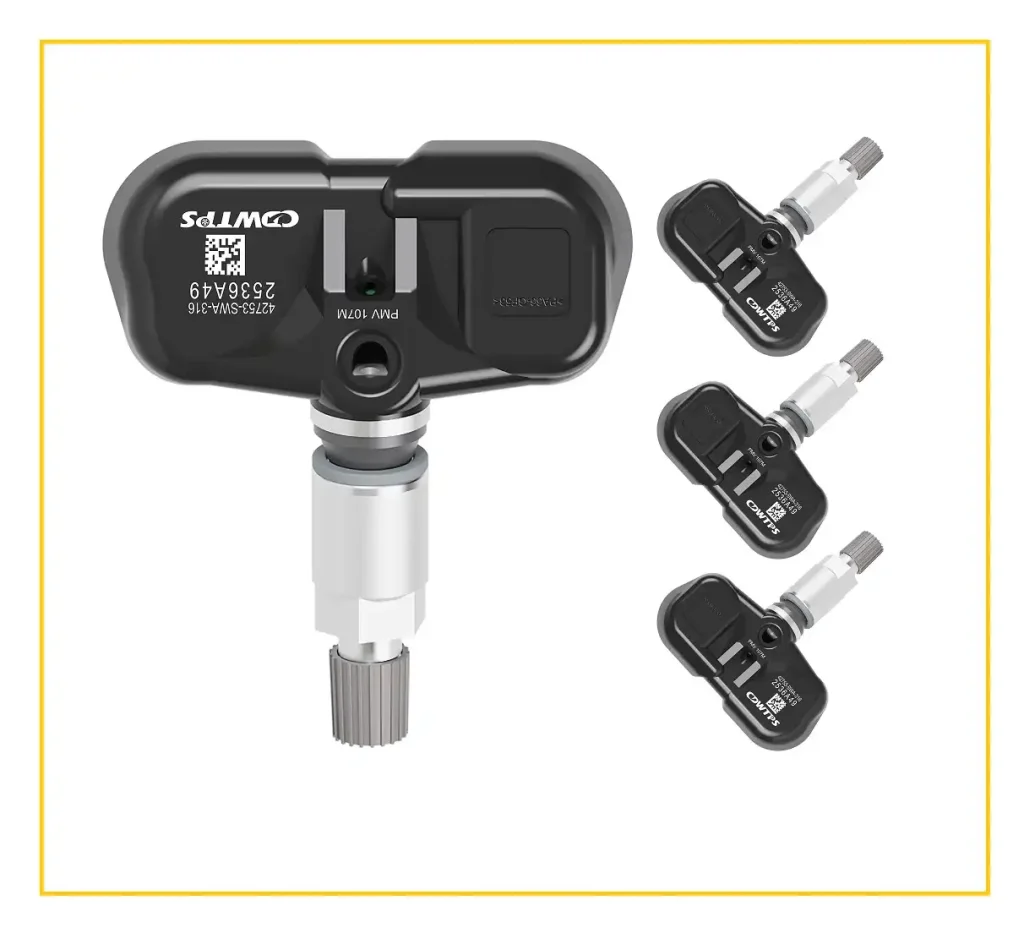
Essential Tools for TPMS Programming
Before you begin the programming process, it’s essential to gather all the necessary tools. Having the right equipment will make the task significantly easier and more efficient. Here’s a list of tools you’ll need:
- TPMS Programming Tool: This is the most crucial piece of equipment. Ensure you select a tool compatible with your vehicle’s make and model. Some popular brands include ATEQ, Autel, and Schrader.
- Replacement TPMS Sensors: If you’re replacing old sensors, make sure to purchase compatible ones for your vehicle. OEM (Original Equipment Manufacturer) sensors are often the safest choice, but there are also universal sensors available that can be programmed to work with multiple vehicle brands.
- Basic Hand Tools: You’ll need a few common tools such as:
- Tire inflator
- Socket set
- Torque wrench
- Valve core tool
- Safety Equipment: Don’t forget about personal safety. Gloves and safety glasses are recommended.
- Vehicle Manual: Your car’s owner manual can provide specific information about your TPMS system and any unique procedures for your vehicle model.
Step-by-Step TPMS Programming Guide
Now that you understand the basics and have gathered your tools, let’s dive into the step-by-step process of programming your TPMS sensors.
Step 1: Prepare Your Vehicle
Safety should always be your top priority. Begin by ensuring your vehicle is parked on a level surface with the engine turned off. Engage the parking brake to prevent any unexpected movement during the process.
Step 2: Remove the Tire (if necessary)
If you’re replacing a faulty sensor, you may need to remove the tire to access the sensor mounted on the valve stem. This step requires some mechanical know-how and the right tools. If you’re not comfortable with this, consider seeking professional help for this part of the process.
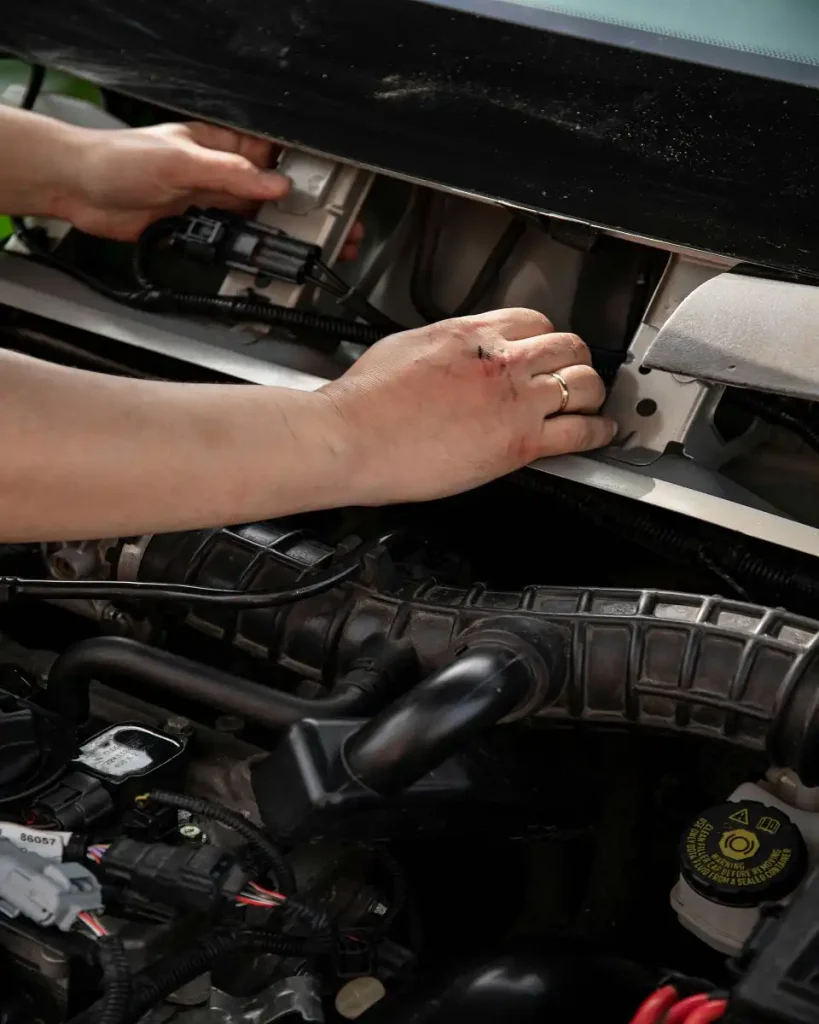
Step 3: Install the New TPMS Sensor
If you’ve removed the tire, now is the time to install the new sensor. Carefully attach it to the valve stem, ensuring it’s properly secured. Use a torque wrench to tighten it to the manufacturer’s specifications, typically found in your vehicle manual.
Step 4: Connect the TPMS Tool
Turn on your TPMS programming tool and connect it to your vehicle’s OBD-II (On-Board Diagnostics) port. This port is usually located under the dashboard on the driver’s side. Some tools may have different connection methods, so always refer to your tool’s specific instructions.
Step 5: Program the Sensor
This is the core of the process. Follow these sub-steps carefully:
- Navigate through your TPMS tool’s menu to select your vehicle’s make, model, and year.
- Choose the option to program or activate a new sensor.
- Follow the tool’s prompts to activate the new sensor. This might involve bringing the tool close to the tire or following specific activation steps outlined by the tool.
- If you’re replacing an old sensor, some tools allow you to copy the ID from the old sensor to the new one. This can simplify the process in some cases.
Step 6: Perform a Relearn Procedure
After programming, most vehicles require a relearn procedure to recognize the new sensor. This process can vary significantly between different car manufacturers and models. Common relearn procedures include:
- Stationary Relearn: This involves using a tool to trigger the vehicle’s TPMS to enter a learn mode, then activating each sensor in a specific order.
- Drive to Learn: Some vehicles require you to drive at a certain speed for a specific duration to complete the relearn process.
- Auto Relearn: Certain modern vehicles can automatically detect and learn new sensor IDs after a short driving period.
Always consult your vehicle’s manual for the specific relearn procedure.
Step 7: Check for Success
Once you’ve completed the programming and relearn process, it’s time to verify your work:
- Start your vehicle and check that the TPMS warning light is off.
- Use your TPMS tool or the vehicle’s built-in display (if available) to check that the new sensor readings are accurate.
- Take a short test drive to ensure the system is functioning correctly under normal driving conditions.
Tips for Successful TPMS Programming
To ensure a smooth TPMS programming experience, keep these tips in mind:
- Read the Manual: Always consult your vehicle’s owner manual for specific instructions related to your model. TPMS systems can vary significantly between manufacturers.
- Keep Software Updated: If your TPMS tool has updateable software, make sure it’s running the latest version to ensure compatibility with newer vehicle models.
- Handle Sensors with Care: TPMS sensors are delicate electronic devices. Handle them carefully to avoid damage during installation.
- Check Battery Life: Most TPMS sensors have non-replaceable batteries. When programming new sensors, check their estimated battery life to ensure long-term functionality.
- Consider Weather Conditions: Extreme temperatures can affect tire pressure. Program your sensors in moderate weather conditions for the most accurate initial readings.
- Document the Process: Keep a record of the sensor IDs and positions. This information can be helpful for future maintenance or troubleshooting.
- Be Patient: The relearn process can sometimes take multiple attempts. Don’t get discouraged if it doesn’t work on the first try.
Comparison Table: Professional vs. DIY TPMS Programming
To help you decide whether to tackle TPMS programming yourself or seek professional help, consider the following comparison:
| Aspect | DIY Programming | Professional Service |
| Cost | Lower (one-time tool investment) | Higher (service fees) |
| Time | Variable (depends on experience) | Usually quicker |
| Skill Required | Moderate technical skills | None (for you) |
| Equipment Needed | TPMS tool and basic hand tools | None (for you) |
| Learning Curve | Steep initially, improves with practice | None |
| Convenience | Can do at home, on your schedule | Requires appointment and travel |
| Warranty | Depends on parts used | Often included with service |
| Troubleshooting | May be challenging | Handled by professionals |
Finally
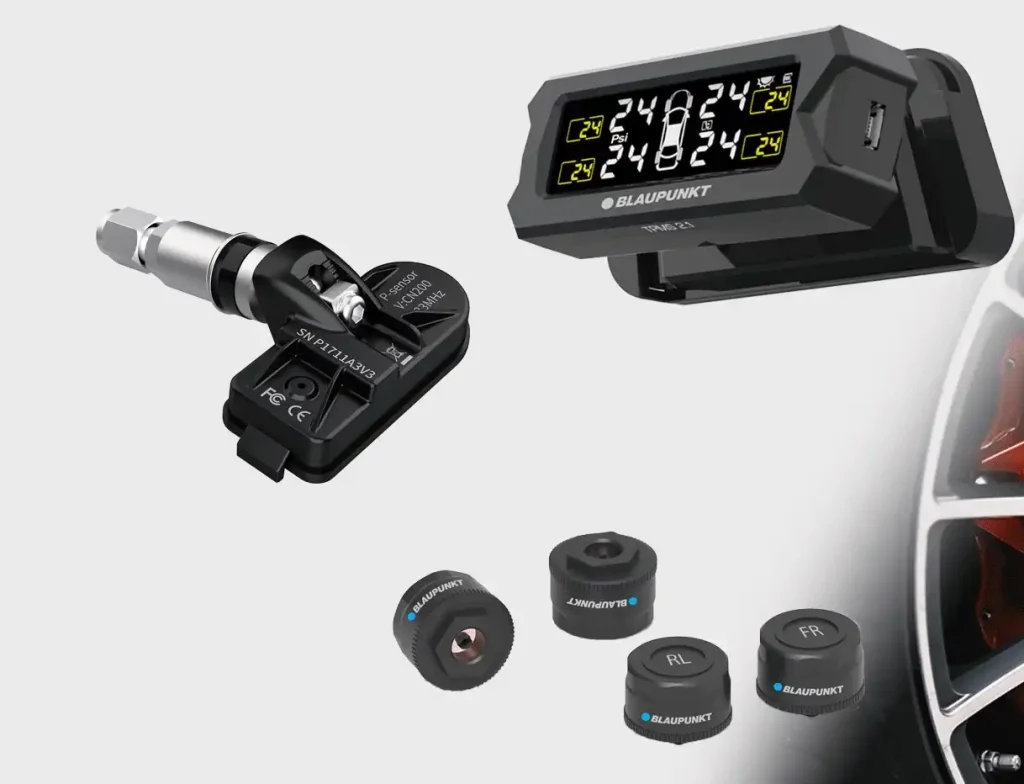
Programming TPMS sensors by yourself in the USA is a skill that can save you time and money while giving you a deeper understanding of your vehicle’s safety systems. By following this comprehensive guide and using the right tools, you can confidently tackle TPMS sensor programming at home.
Remember, the key to success lies in preparation, patience, and attention to detail. Always prioritize safety and don’t hesitate to seek professional help if you encounter difficulties beyond your expertise. With practice, you’ll find that TPMS programming becomes a manageable and even rewarding part of your vehicle maintenance routine.
As automotive technology continues to evolve, staying informed about your vehicle’s systems empowers you as a car owner. By mastering TPMS programming, you’re not just maintaining your car; you’re actively contributing to your safety and that of others on the road. Happy programming, and safe driving!
More Automotive Update Visit Deckers Auto